8 Home Office Ideas That Earn Their Space
Eight home office ideas that hold up in daily use, with the desk heights, clearances and prices that decide whether each one works in your room.
This post contains affiliate links. As an Amazon Associate I earn from qualifying purchases. If you buy through our links, we may earn a commission at no extra cost to you.
Where a Makeshift Desk Fails
A laptop on the dining table is fine for a week. By month three you know exactly where it fails: your neck aches by lunch, the charger lives on the floor, and there's no line at all between work and dinner. For a longer setup guide with chair specs, lighting layers and paint coverage, see a home office that holds up all day.
The eight ideas below are the ones that hold up in a real room rather than the ones that photograph well. Each comes with the number that decides whether it works for you, because most workspace advice skips the part where your desk is 24 inches deep and the monitor needs 30. If you're carving a workspace out of a bedroom or living room corner instead of a spare room, these small workspace layouts pair well with what follows.
One thing worth knowing before you spend anything: the two purchases that change how the day feels are the chair and the height of your screen. Everything after that is comfort stacked on a foundation that already works.
The Standing Desk Decision, Made With a Tape Measure
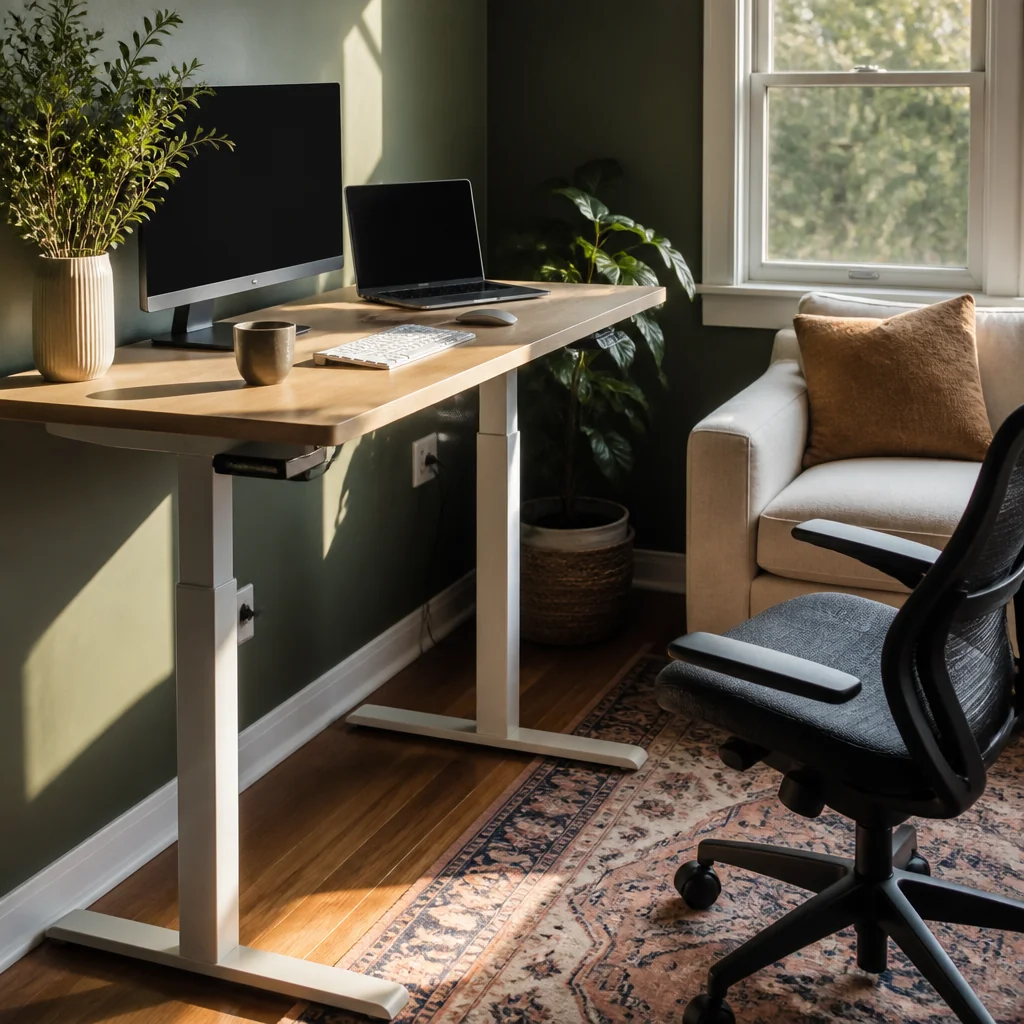
A motorized sit-stand desk runs $350 to $700. Before you spend that, measure. Your standing height is where your elbows sit at roughly 90 degrees with your shoulders relaxed, which lands most adults between 40 and 45 inches. Your seated height is 28 to 30 inches. If a desk can't reach both of your numbers, the motor is decoration.
There's a cheaper route that gets you most of the way there. A desktop converter, $120 to $250, sits on the desk you already own. The trade-off is honest: it lifts your monitor another 4 to 6 inches, so a screen already at eye level ends up too high and you'll need to drop the monitor on its stand. It also eats about 6 inches of usable desk depth when it's in the down position.
Whichever you choose, add an anti-fatigue mat, $30 to $60, around three quarters of an inch thick. Two hours of standing on tile or hardwood without one is the reason most people quit standing in week three. And a chair with real lumbar support, $250 to $400, is the purchase that pays off either way.
Why a Second Monitor Earns Its Desk Space
A refurbished 24-inch 1080p monitor costs $100 to $140, which makes this the cheapest way to stop the alt-tab shuffle between your notes and the thing you're writing. Reference on one screen, work on the other.
The catch is desk real estate. Two 24-inch screens side by side measure about 42 to 44 inches across, so a 48-inch desk is the practical minimum, and you want 30 inches of depth to sit back at arm's length without the text swimming. If your desk is shallower than that, a VESA 100x100 monitor arm at $35 to $60 clamps to the back edge and buys back 8 to 10 inches by lifting the screen off the surface entirely.
Set the top of each screen at or just below eye level, and angle the second one in slightly so both sit about the same distance from your eyes. The failure mode to watch for is a laptop parked next to an external screen: the laptop display sits roughly 6 inches lower, so you spend all day dipping and twisting your neck between them. A $30 laptop stand and a separate keyboard solve it.
The Lighting Setup That Ends 3pm Headaches
Most afternoon desk headaches come down to contrast, not brightness: a bright screen floating in a dim room, or a lamp aimed straight at white paper. Sort the contrast out and the back half of the day gets easier.
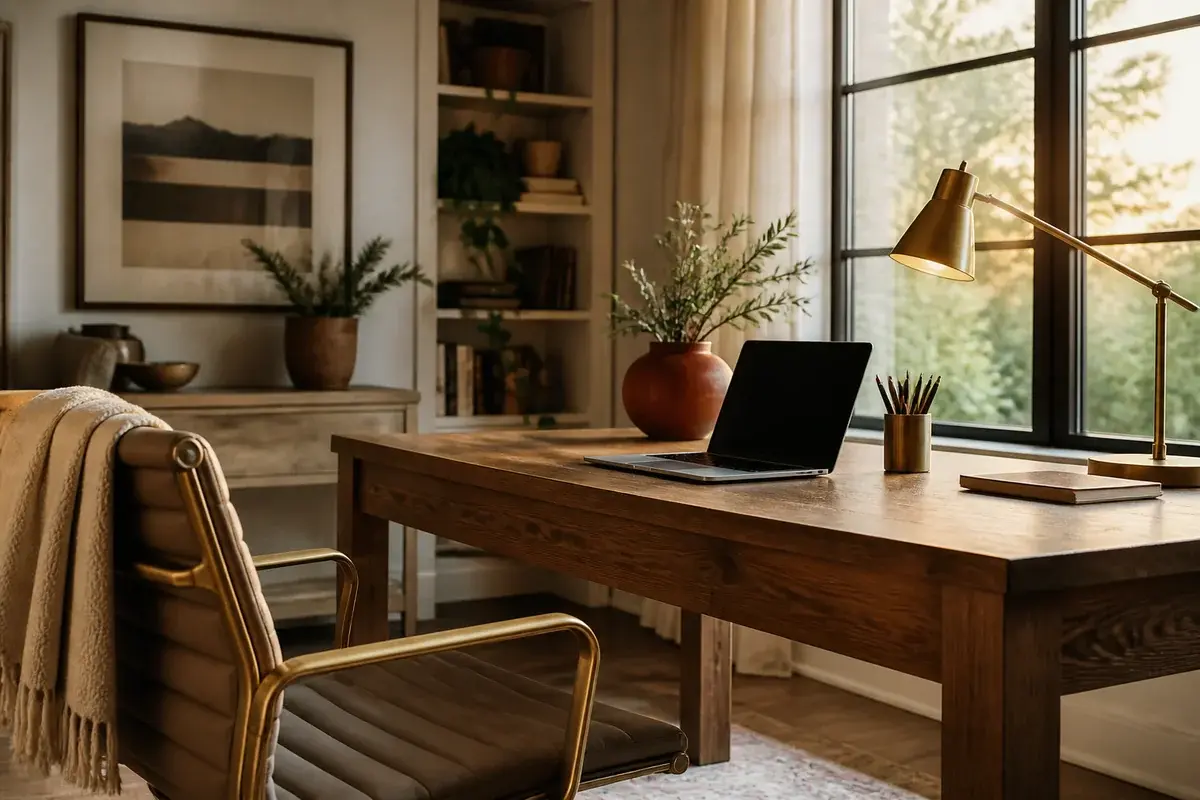
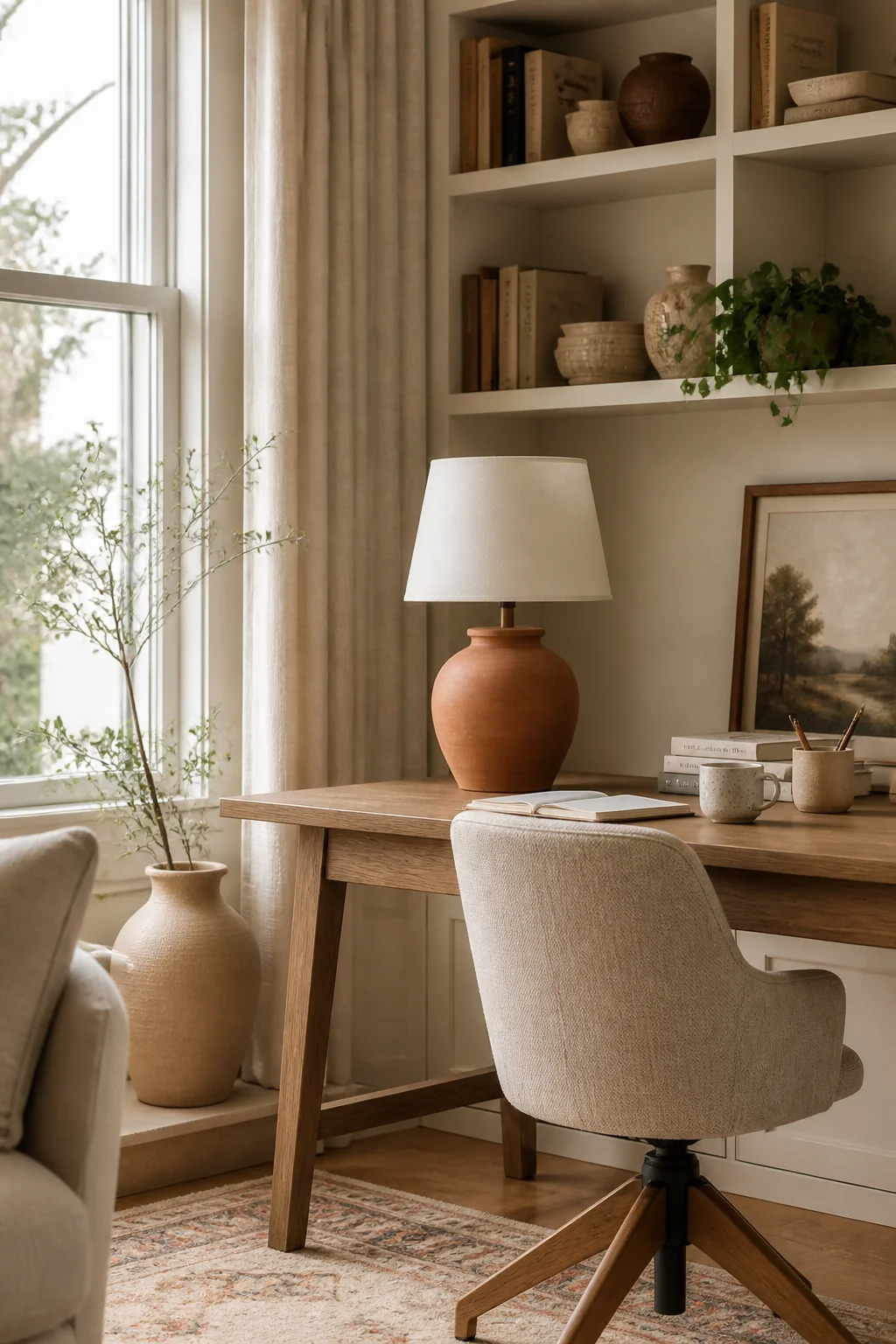
Three layers do the work. Start with the window. Set the desk perpendicular to it rather than facing it or backing onto it, so daylight crosses the surface instead of glaring off the screen or silhouetting it. Sheer white curtains soften whatever's left.
Second, bias lighting. An LED panel or strip, $30 to $50, mounted on the wall behind the monitor at 2700K to 3000K. It lifts the brightness of the wall behind the screen so your pupils stop readjusting every time you glance up from it.
Third, a task lamp for anything on paper: $25 to $60, with a diffuser and a CRI of 90 or higher so colors read true. Put it on the side opposite your writing hand, or your own arm casts a shadow across the page. Warm bulbs for the room, a neutral 4000K in the task lamp if you read a lot of print.
How a Rug Defines the Work Zone
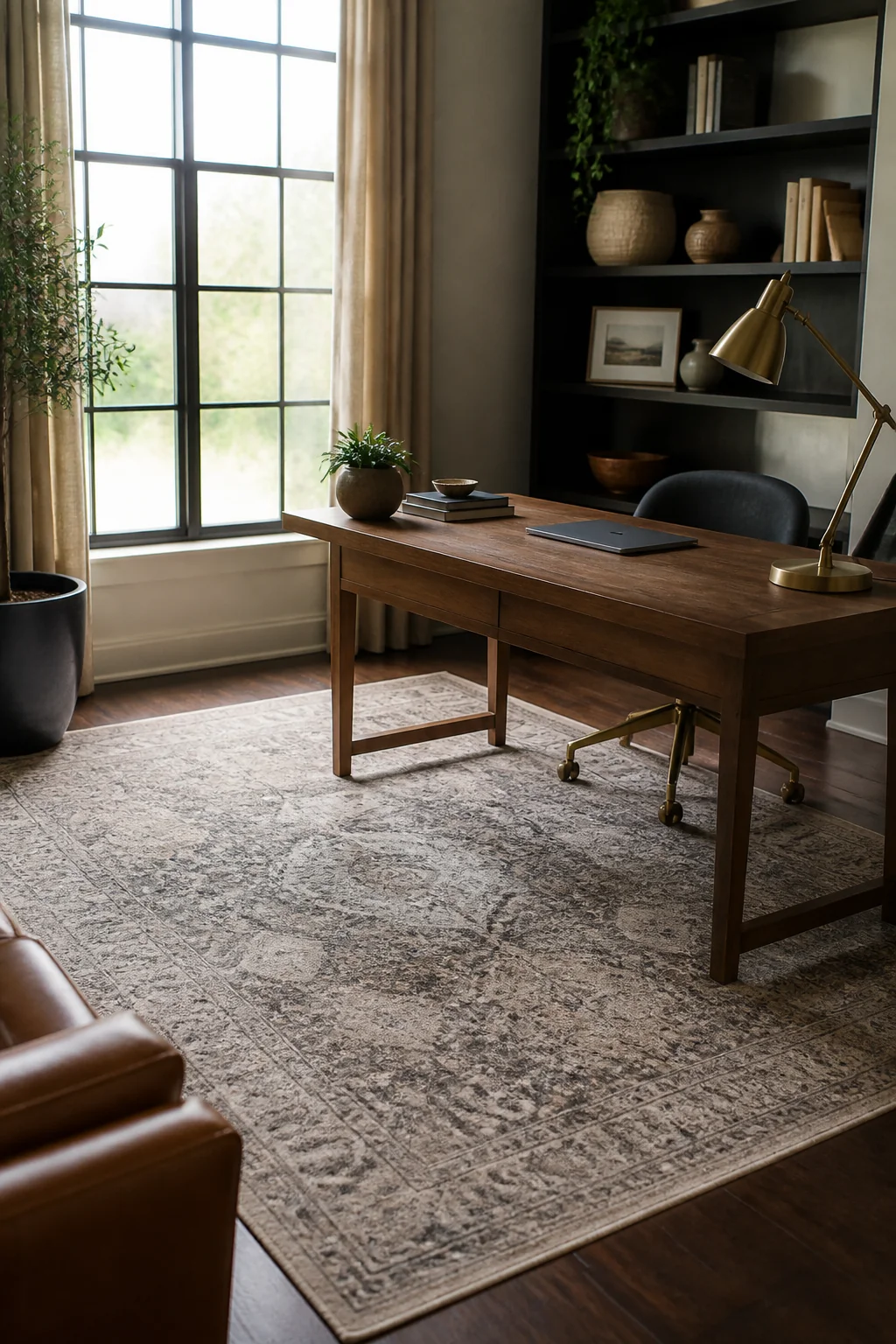
When the desk lives in a corner of the living room, a rug is the only thing telling your eye where work stops and the sofa begins. It also has a practical job underfoot, and the pile height is what decides whether it does that job or gets in the way.
Go low. A flatweave, or anything under a quarter inch of pile, lets chair casters roll instead of catching. A 5x8 wool flatweave runs $120 to $250; add a $30 pad underneath so it doesn't creep across the floor every time you push back from the desk.
Size it by the chair, not by the desk. Measure how far you roll back to stand up, usually 20 to 24 inches, and make sure the rug reaches at least that far behind you. A rug that stops short leaves the casters half on and half off, and you'll feel that lip a dozen times a day.
If your chair came with hard plastic casters, swap them for soft rubber ones, roughly $25 a set. Hard wheels chew through low pile after a year of short rolls over the same six inches.
The Cable Situation Nobody Wants to Talk About
Four power cords, three USB cables and a charger nest on the floor. Budget $40 and half an hour, and it never bothers you again. A cable box is $20 to $30, adhesive clips are $8 to $12, and an under-desk tray that screws to the underside runs $25 to $40 if you'd rather nothing touch the floor at all.
Do it in this order. Unplug everything. Mount the surge protector to the underside of the desk so no plug sits on carpet. Group the cables by device rather than by type, so pulling the printer out next year doesn't mean unpicking the whole bundle. Label both ends with tape before you tie anything down. Leave about 6 inches of slack at the device end, and if you have a sit-stand desk, leave enough for its full travel, roughly 20 inches, or the first rise will yank a plug out of the wall.
One detail that catches people out: adhesive clips let go on dusty desk undersides and textured paint. Wipe the surface with isopropyl alcohol, let it dry fully, then stick. On rough or masonry walls, small screw-in clips hold where adhesive won't.
Natural Wood and a Plant for a Room That Feels Cold
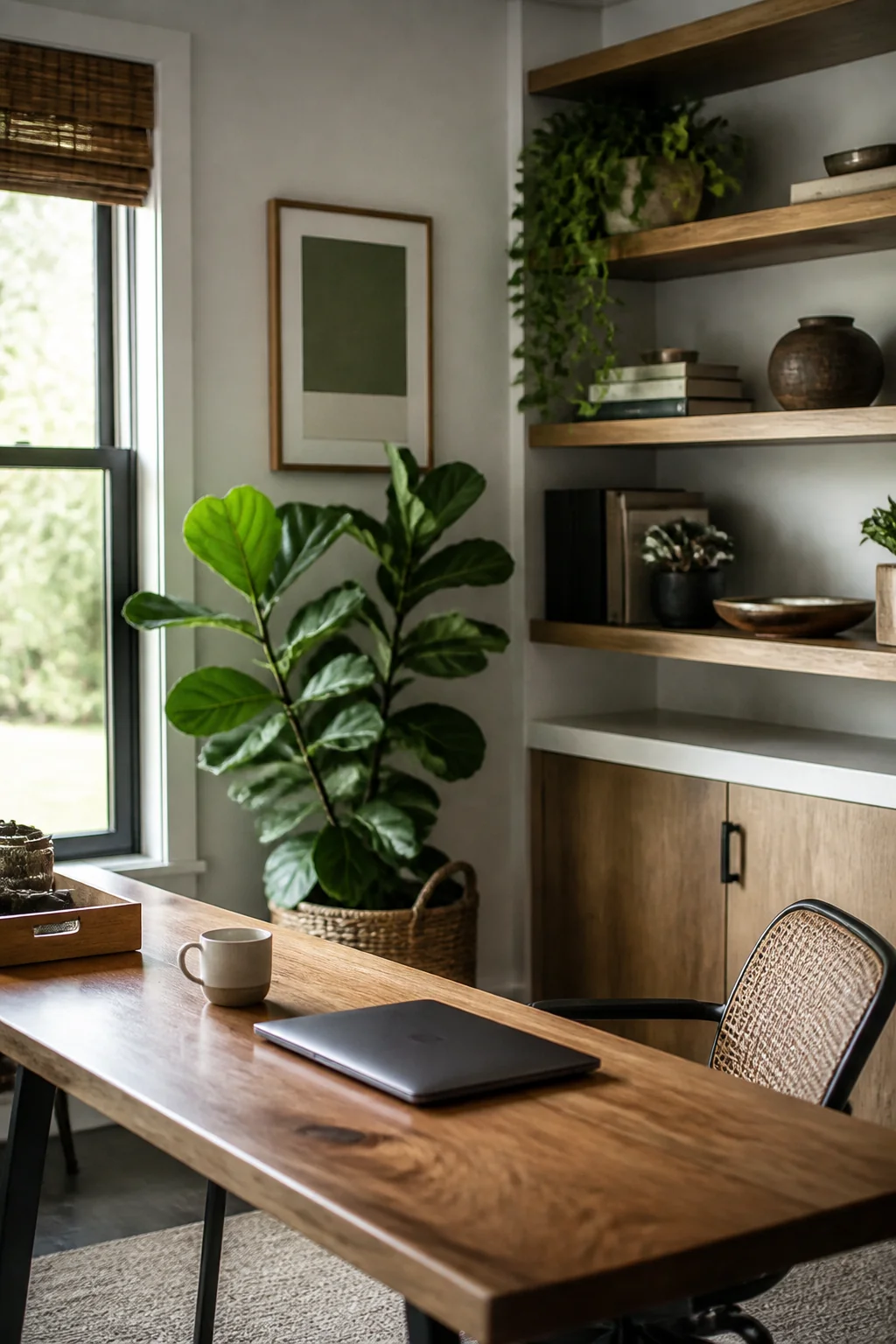
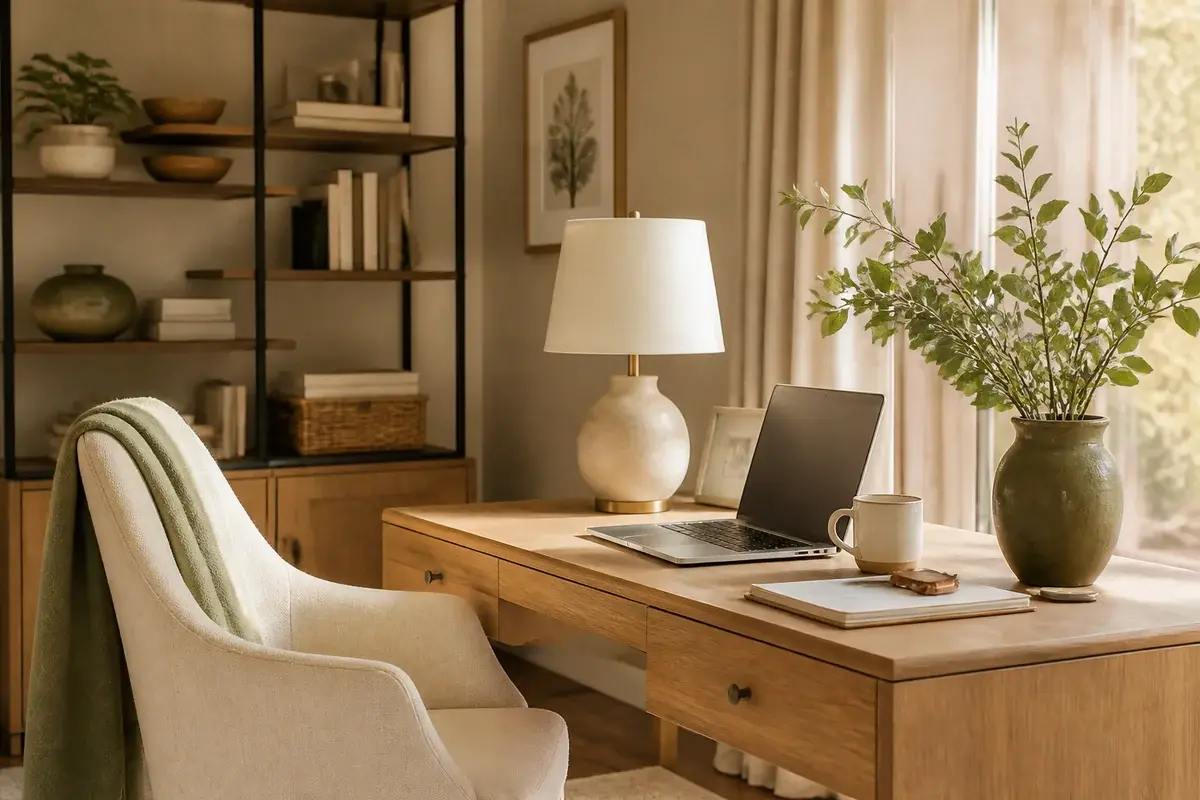
White walls and a black monitor read as a rental unit. Two things warm the corner up without adding clutter: one wood surface and one plant.
A solid or reclaimed wood floating shelf, 24 to 36 inches long, costs $40 to $90. Anchor it into studs, which sit 16 inches apart on center in most homes. If your bracket lands between them, use toggle bolts rated to at least 50 pounds, because a run of books gets heavy faster than people expect. Mount it 18 to 24 inches above the desk so a monitor still fits underneath.
For the plant, pick one that forgives being ignored through a deadline week. A pothos in a 6-inch pot is $12 to $20 and tolerates low light; a ZZ plant or snake plant tolerates even less. Water when the top inch of soil is dry, and check the pot has a drainage hole, since standing water in the base is what kills desk plants far more often than neglect. Keep it off a sill directly above a radiator. A couple of framed pieces above the shelf finish the wall.
The Noise Problem That Creeps Up on You
Two completely different problems both get called noise, and they need different fixes. Buying for the wrong one is how people end up with a wall of foam and a neighbor's dog they can still hear.
Echo is the problem inside your room: hard floors, bare walls, and a voice that sounds hollow on calls. Soft mass absorbs it. Floor-length curtains with a blackout lining, the rug from earlier, and six 12x12 inch acoustic panels an inch or two thick, $50 to $80 a pack. Put them on the wall you face and the wall behind you, which are the first surfaces your voice bounces off. High in a corner near the ceiling, they do almost nothing.
Transmission is the other problem: traffic, the dog, the TV in the next room. Foam won't touch it, because it needs mass and a seal. A door sweep is about $15 and adhesive weatherstripping around the frame is $10 to $20, and that pair does more for a shared wall than any panel.
Noise-canceling headphones, $80 and up, cover whatever's left. Over-ear is kinder than in-ear across an eight hour day.
What's Worth Keeping, and in What Order
If you're building this over months rather than a weekend, the order matters more than the list does.
Chair first, then screen height. Those two decide whether you finish the day sore, and nothing you put on the walls compensates for either. A chair with adjustable lumbar support at $250 to $400 and a $30 laptop stand cover most of that ground.
Lighting next, because it's cheap and the difference shows up the same afternoon: around $80 for a bias light behind the monitor and a decent task lamp. Then the rug, which pulls double duty as a boundary and as sound absorption. Cables last, once you know where each piece is going to live permanently.
Keep this guide handy
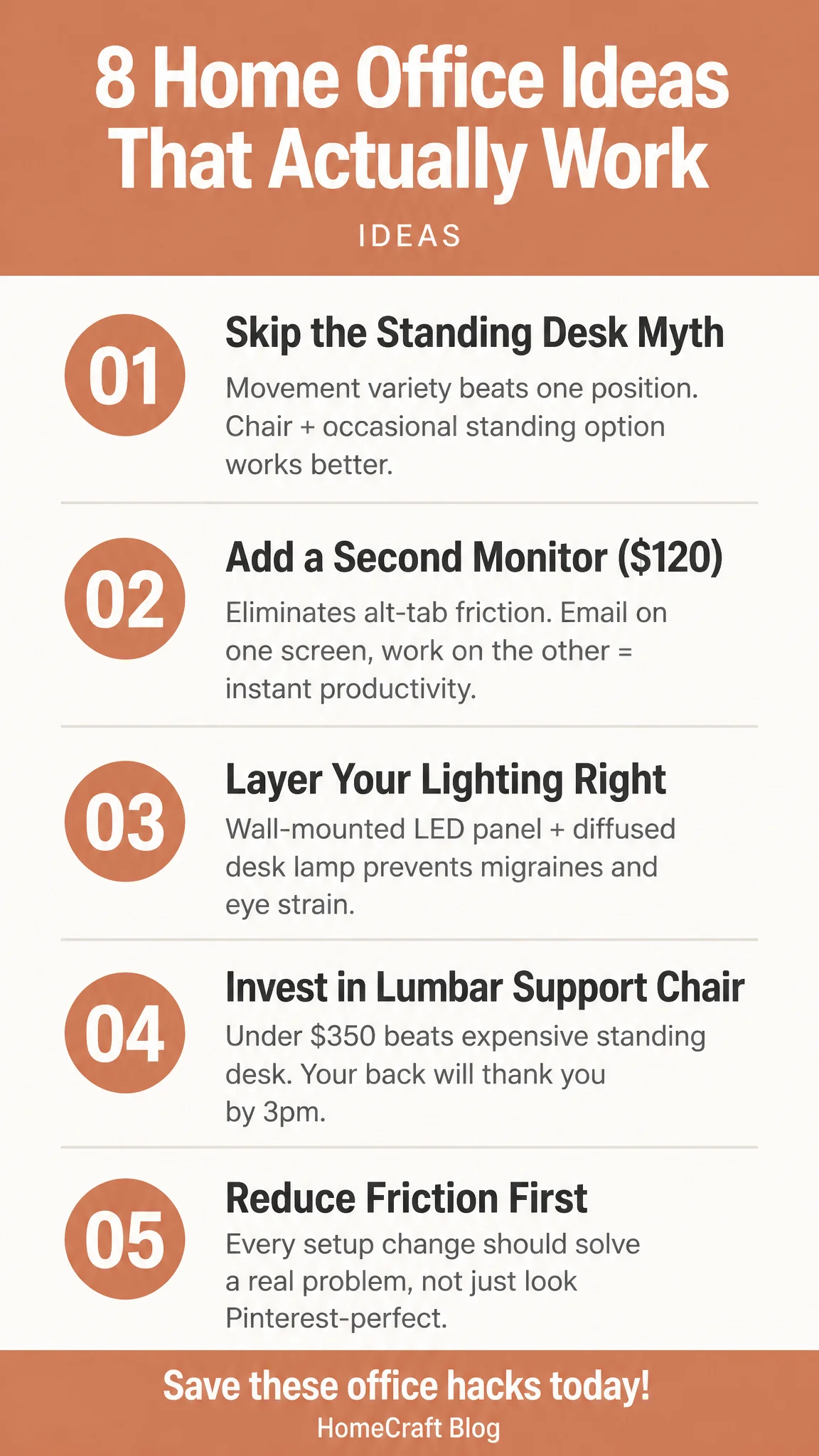
The ones worth delaying: the motorized desk at $350 to $700, the second monitor if you spend your day in one full-screen app anyway, and anything bought mainly so the corner photographs well. A home office doesn't owe anyone the look of an office. It has to be a place you don't mind sitting down in on a gray Tuesday in February, which is a lower bar and a much more useful one.